Shortcuts and Widgets
Cha-cha-cha-changes!
In the new release of MusicRoom two big features I really wanted to have myself. And since I am the biggest user of the app right now, I decided to build them both 🎉
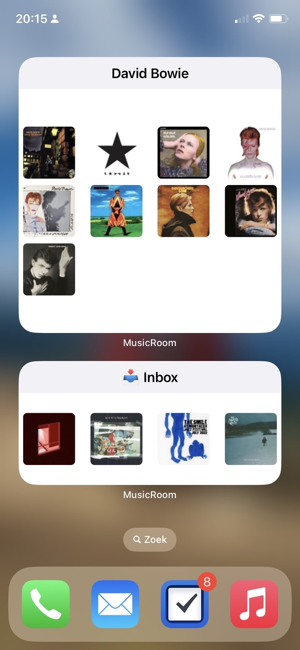
Widget support
MusicRoom now contains a widget that lets you show a room on your homescreen.
Shortcut support
MusicRoom now supports three shortcuts. The first one is “Play room”. You can use it to play a room with a certain name. So you could play a room depending on the weather outside. I use it myself for when I am in the car with my daughter, a shortcut that triggers a room with our music.
The second shortcut plays a random item from the library. And since MusicRoom only contains music that you have added it might give you a refreshing listen.
The last shortcut lets you add music from an apple music url to a certain room. I use this one to create a shortcut that I use in share panels to add music to a room called “📥 Inbox”. For example when I see an artist released something new in the MusicHarbor
Music references
Music from the 📥 Inbox: